Find useful starting points.
Surface related programs, agency details, and links to sources as the conversation takes shape.
 WeGov
Office context + Live Assist
Bring reviewed office guidance and relevant public resources into the conversation while your team works.
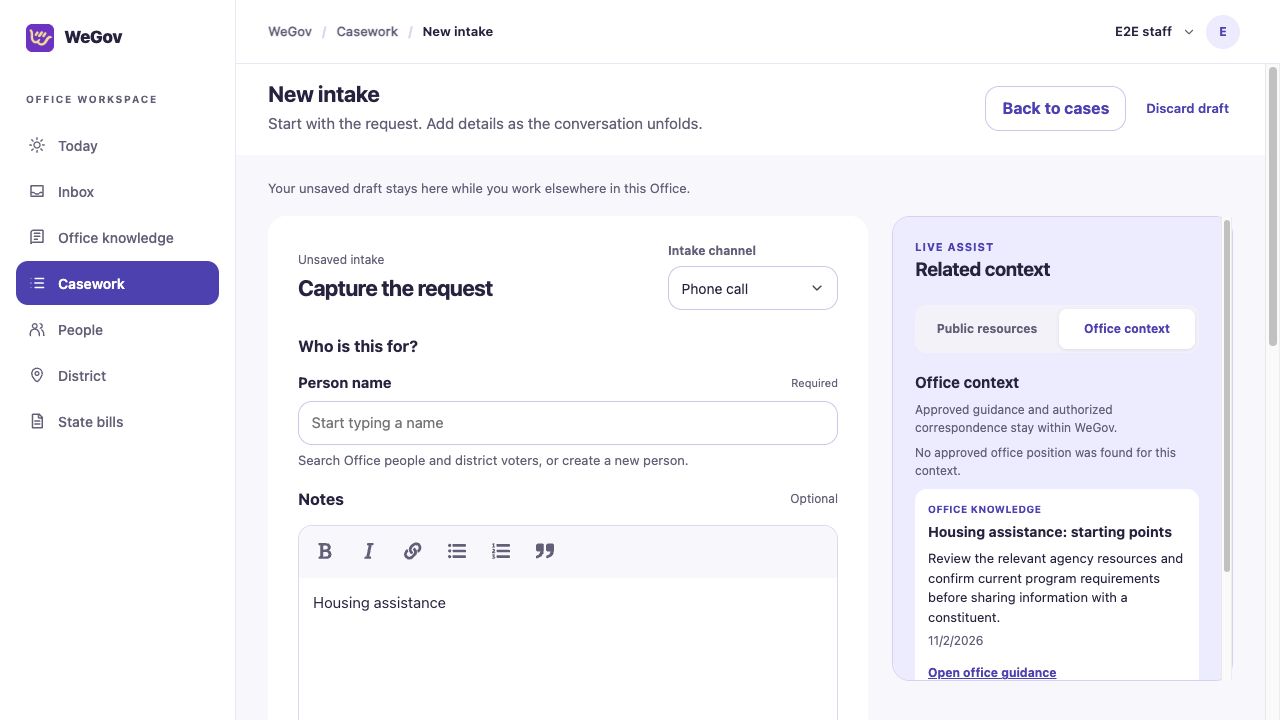
Context for the moment
As staff write an intake note, Live Assist can search for related public programs and official sources. Office context can surface approved guidance, positions, and correspondence the staff member is authorized to see.
Surface related programs, agency details, and links to sources as the conversation takes shape.
Find approved office guidance and positions with their sources and review information.
Find permitted case or person correspondence and open the original message. Staff can also choose specific case attachments as context.
Public and office context depend on connected services, office configuration, and staff permissions. Staff should verify details and review linked sources.
Office knowledge and positions
Staff can draft guidance, attach sources, and maintain reviewed versions with review dates. Office positions have their own approval process; tracking a bill alone does not establish a position.
Explore legislative work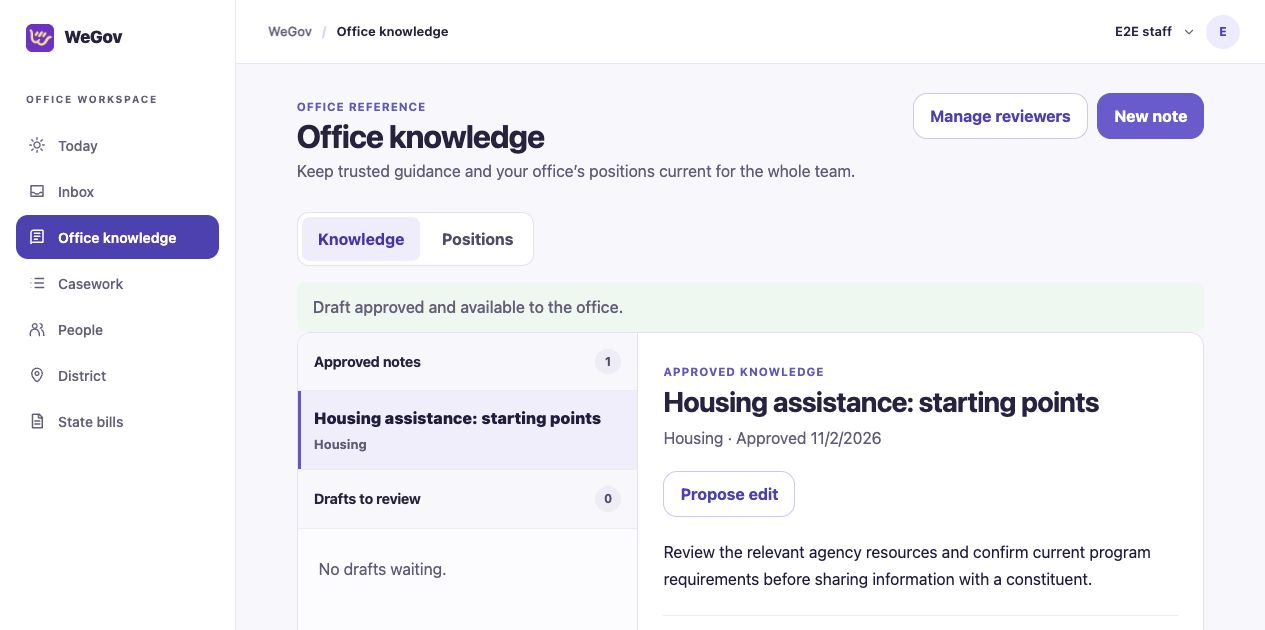
Office context follows office and restricted-record access rules. Intake note text is sent to the public-resource search service when Live Assist is used. Ask us about the configuration available for your office.
Request a demo